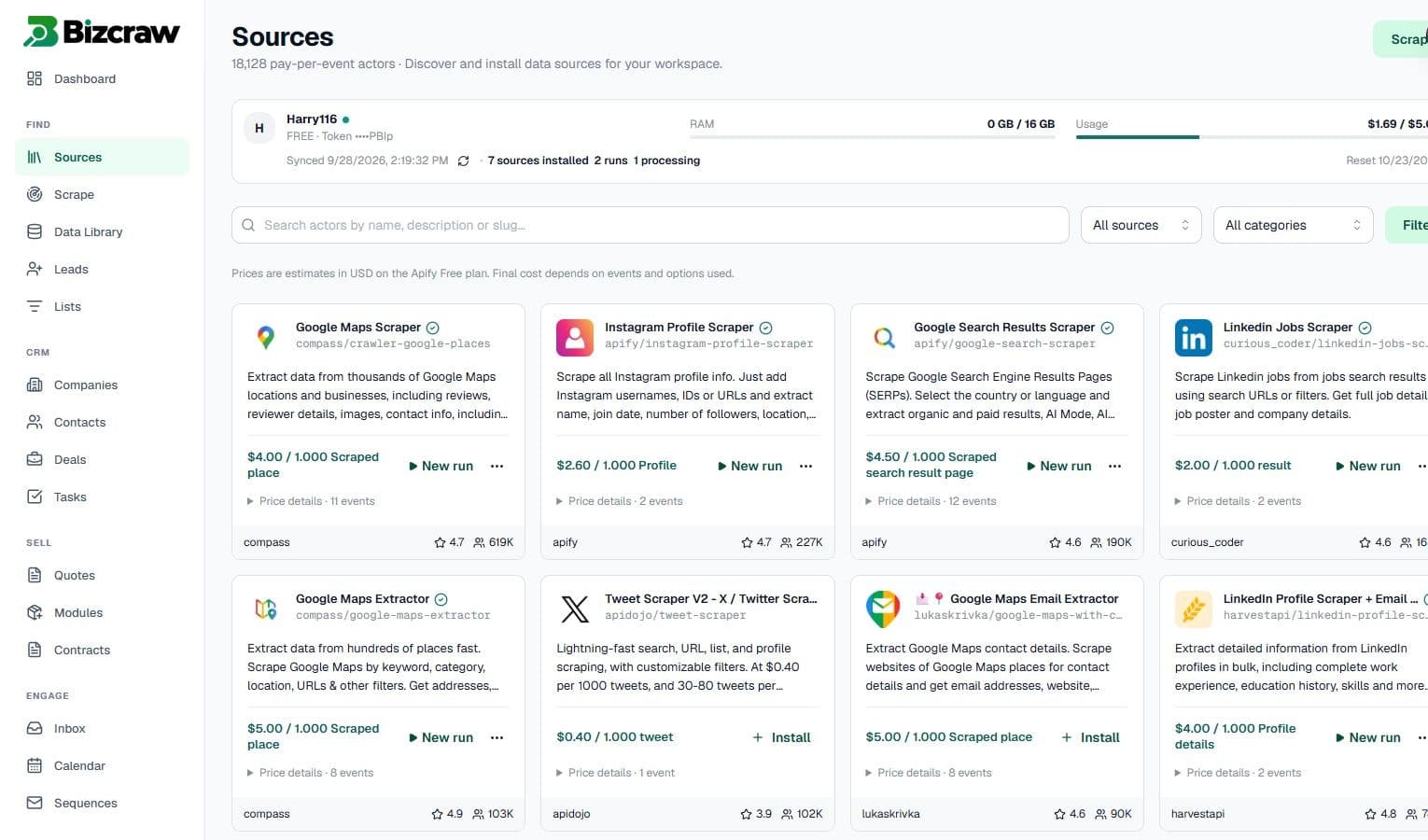
Choose the right source
Browse supported actors, understand the required inputs and see the expected result structure before starting a run.
Choose a supported source, run targeted data collection, review structured results and move approved leads into a connected workspace without rebuilding the context in another tool.
Bizcraw keeps collection, review and sales execution connected so a scraping run becomes an accountable workflow instead of another file to clean up later.
Browse supported actors, understand the required inputs and see the expected result structure before starting a run.
Inspect each result set and select the business or contact records that are useful for the target market.
Move approved records into connected companies, contacts and lists, then continue with deals, tasks and commercial documents.
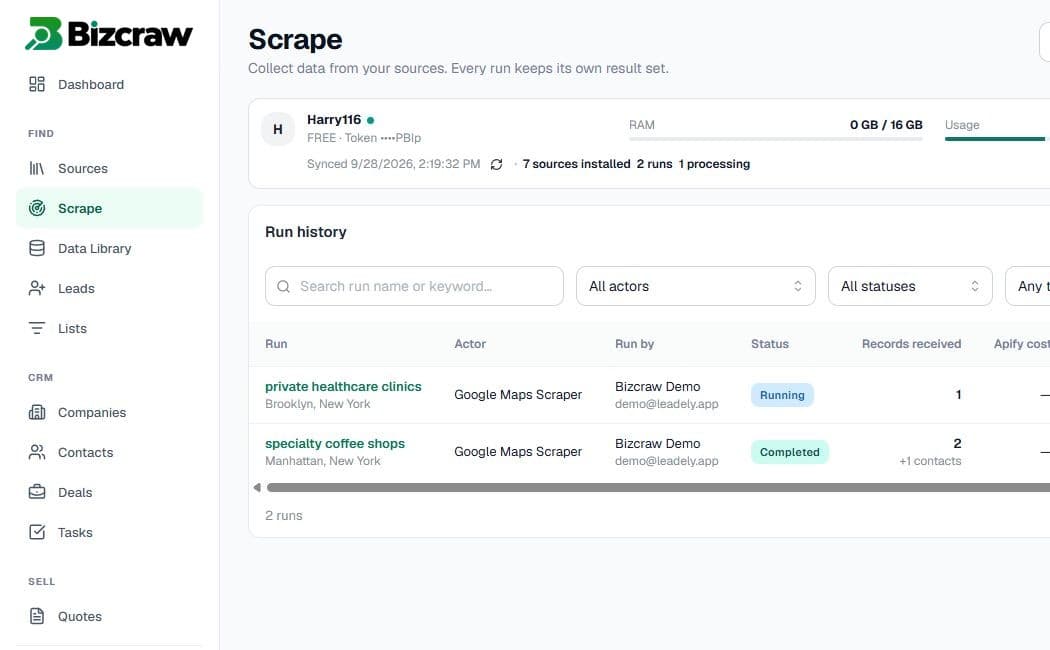
Every scraping run keeps operational context attached: selected source, processing status, result volume and usage. Teams can inspect what happened before deciding which records should become active sales data.
Use this comparison to decide whether you need a focused extraction tool, a provider-maintained database or a connected scraping and sales workspace.
| Capability | Standalone scraper | Lead database | Bizcraw |
|---|---|---|---|
| Data collection model | Single source or workflow | Provider-defined database | Supported actor library |
| When data is collected | On demand | Provider refresh cycle | On demand |
| Review before CRM import | Usually external | Varies | Built into the workflow |
| Connected CRM records | Separate setup | Export or integration | Companies, contacts and lists |
| Sales execution | Separate tools | Usually separate | Deals, tasks, quotes and contracts |
| AI assistance | Input or extraction help | Search or enrichment help | Actor guidance and workspace-aware actions |
Start from a real market signal, keep the source visible and choose what deserves a next action.
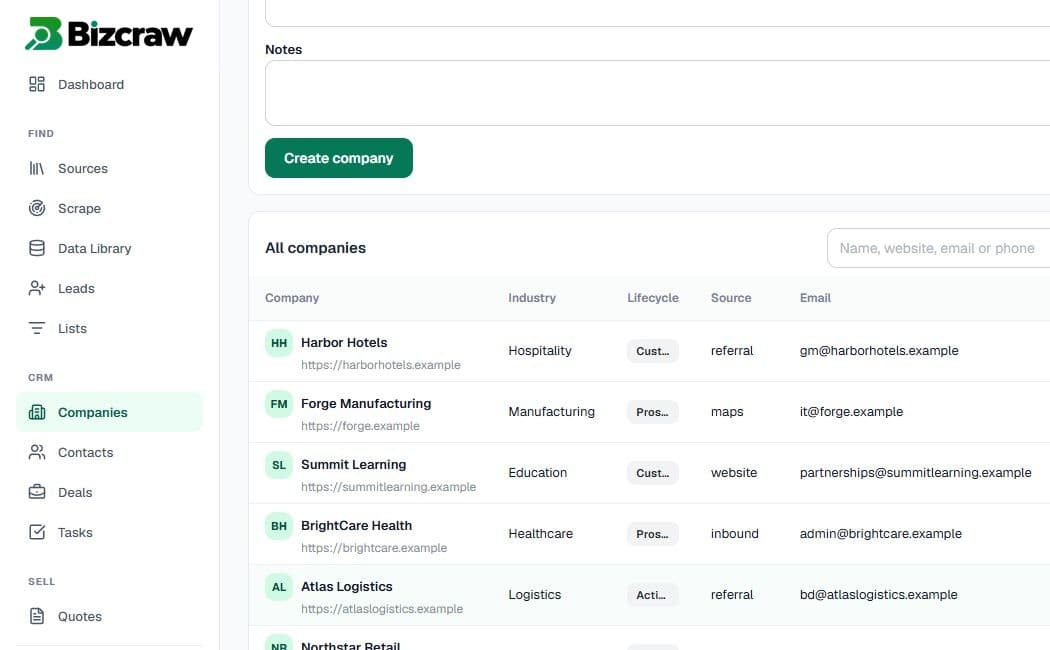
Approved data can continue into the workspace as companies, contacts and lists. From there, teams can manage opportunities, ownership, follow-up tasks, quotes and contracts without losing the original collection context.
Explore data to CRMBizcraw surfaces concise field guidance, examples and expected outputs for supported actors. The AI Agent can help explain unfamiliar inputs while workspace permissions and approval boundaries remain in effect.
A lead scraping platform collects public business data from supported web sources and helps teams turn the returned records into a usable prospecting workflow. Bizcraw adds source selection, guided actor inputs, result review and connected CRM operations around each run.
A standalone scraper commonly ends with an export. Bizcraw keeps the source, run history and selected records connected so approved data can continue into companies, contacts, lists, deals, tasks, quotes and contracts.
No. Users can review the result set and choose which records should enter the active workspace. This keeps irrelevant or incomplete records out of the sales pipeline.
Bizcraw provides a source library of supported scraping actors. Available inputs, estimated usage and result structures depend on the selected actor and are shown in the product before a run.
The AI Agent can explain supported actors, clarify input fields and help users understand the expected output. Workspace actions remain subject to the user’s access and applicable approval boundaries.
Bizcraw is built around on-demand collection from supported public sources rather than access to a single prebuilt contact database. Teams control the source, run and review process for each result set.
Choose a supported source, review the result and keep the next step connected.
Start free